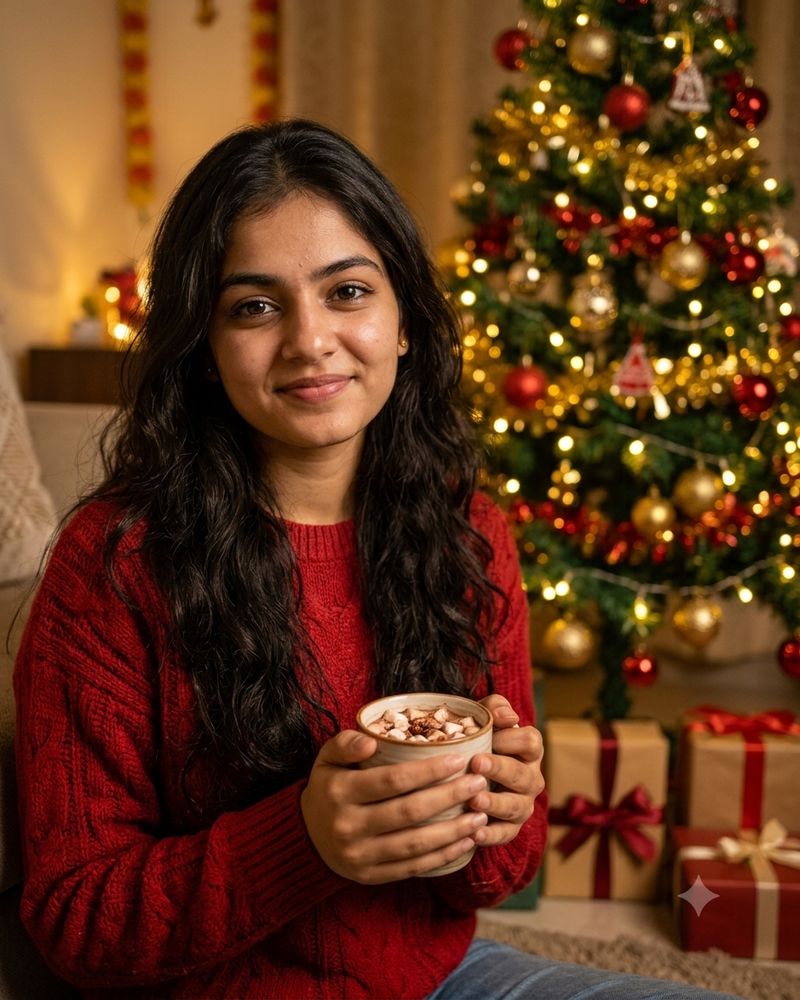
Christmas Gemini Prompt for Girls
Free Christmas Gemini AI photo editing prompt for girls. Copy, paste, upload your photo and get a cosy red-sweater Christmas portrait in seconds.
- Gemini
- ChatGPT
✨ Girls prompts
Elegant, stylish and trending portraits for girls. Copy a prompt, upload your own photo and edit it in Gemini, ChatGPT or Grok.
Free Christmas Gemini AI photo editing prompt for girls. Copy, paste, upload your photo and get a cosy red-sweater Christmas portrait in seconds.
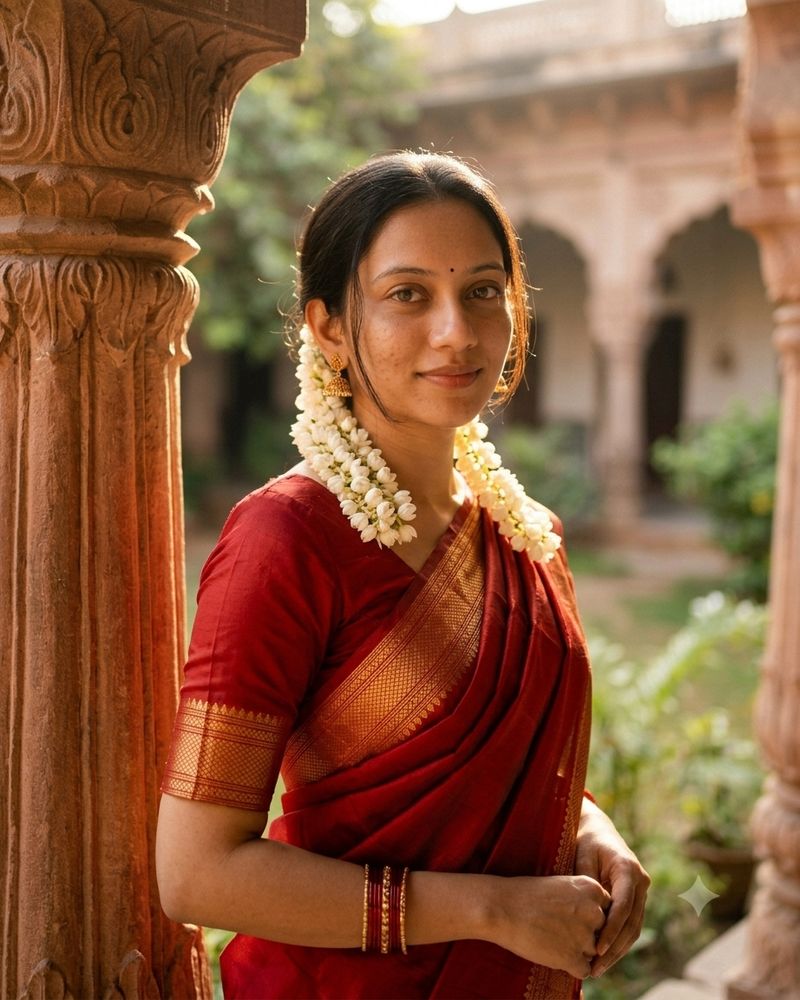
Free Gemini saree prompt to turn your photo into an elegant traditional saree portrait. Copy paste, upload your photo and get a trending AI edit in seconds.
Looking for a Gemini prompt for girls that gives a good result the first time? This page collects copy paste photo prompts written in simple English and tested so that your face still looks like you. Every prompt works the same way: copy the text, open Gemini or ChatGPT, upload your own photo, paste the prompt and wait a few seconds for the edit.
Most people start with one specific idea. It might be a soft golden-hour portrait for a profile picture, a cosy festive photo for Diwali or Christmas, or a trending look for an Instagram reel cover. The prompts here cover all of these. Each one tells the AI to keep your face, skin tone and hairstyle unchanged, so the edit changes the clothes, background and light but not your identity.
A good photo editing prompt has four parts: what to keep (your face), what to wear, where you are standing, and how the light should look. When one part is missing, Gemini fills the gap with its own guess, and that is where strange results come from. Our prompts always include all four, and you can swap any of them. Change the red sweater to a green one, move the scene from a living room to a balcony, or ask for softer light. The guide on each prompt page shows examples.
Not every look needs a fresh prompt. The Christmas prompt for girls and the saree portrait prompt are good starting points because each comes with extra variations, so you can try three different scenes from one photo.
For the best results, start with a clear photo taken in daylight, with your face fully visible and looking towards the camera. Avoid group photos, heavy beauty filters and very dark pictures. A photo taken by a friend at eye level usually beats a selfie shot from below, because the AI sees your face proportions more accurately.
If the first result is not right, regenerate once or twice before changing the prompt, because AI tools give slightly different results each time. New prompts for girls are added every week, so check back often. If you are not sure how to begin, read our step-by-step guide first. It takes about five minutes.